

Memory Stick Pro Duo 5-in-1 Aluminum SD/TF/CF/MS/XD Card Adapter for PC/Android/Luminous Devices, Lightning Reader+USB A+USB C Memory Stick Pro Duo for iPhone
€21.99
Price: €21.99
(as of May 12, 2026 07:47:00 UTC – Details)
VAI SU AMAZON
Product Description

Multifunzione e compatibilità di sistema
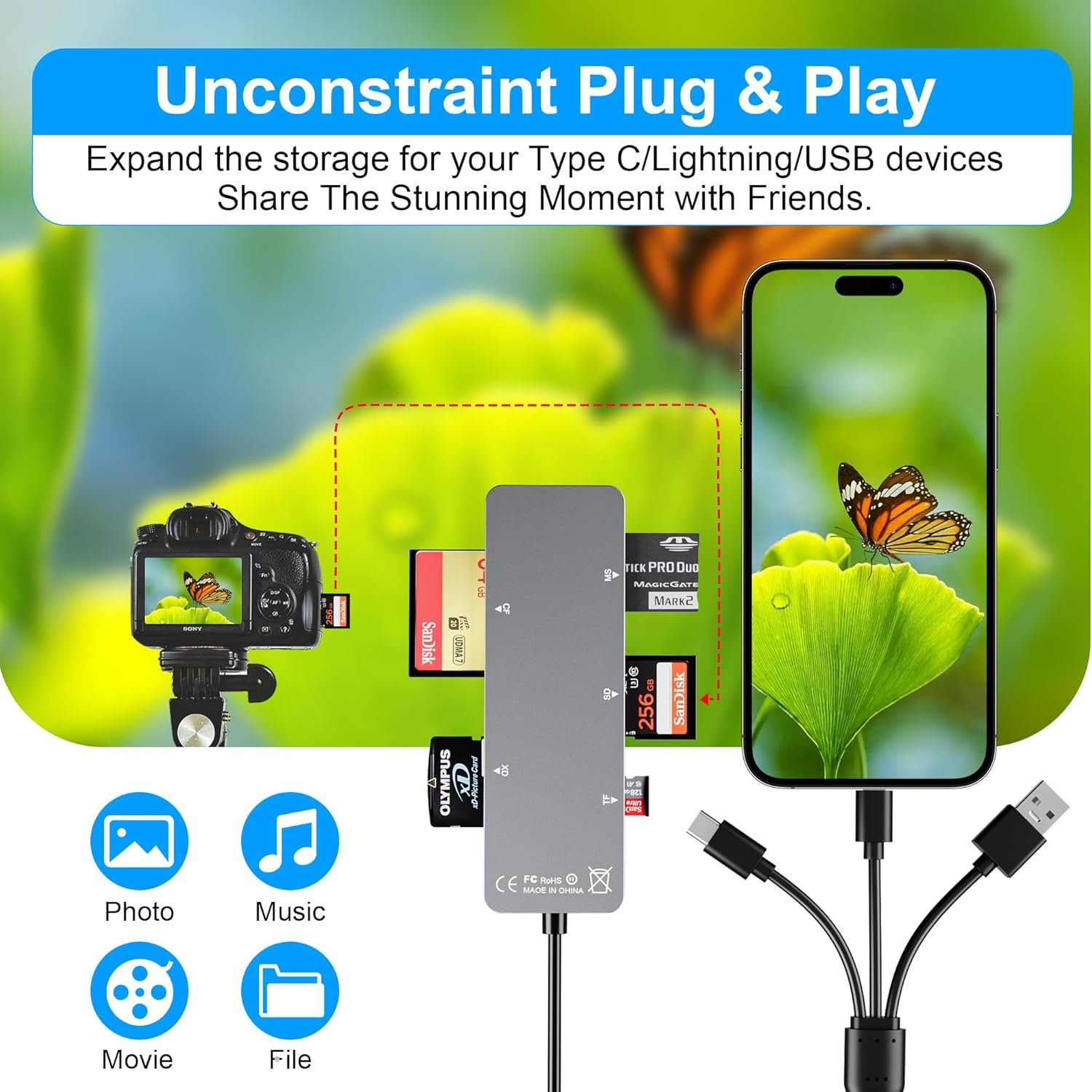
Il nostro lettore di schede di memoria è dotato di varie interfacce, non richiede WIFI, rete o driver, è facilissimo da usare. usb / usb c (tipo c) / i – OS Connector / sd card slot / micro sd card slot e i Phone charging port per Phone/Pad, trasferisce facilmente foto, video e file.

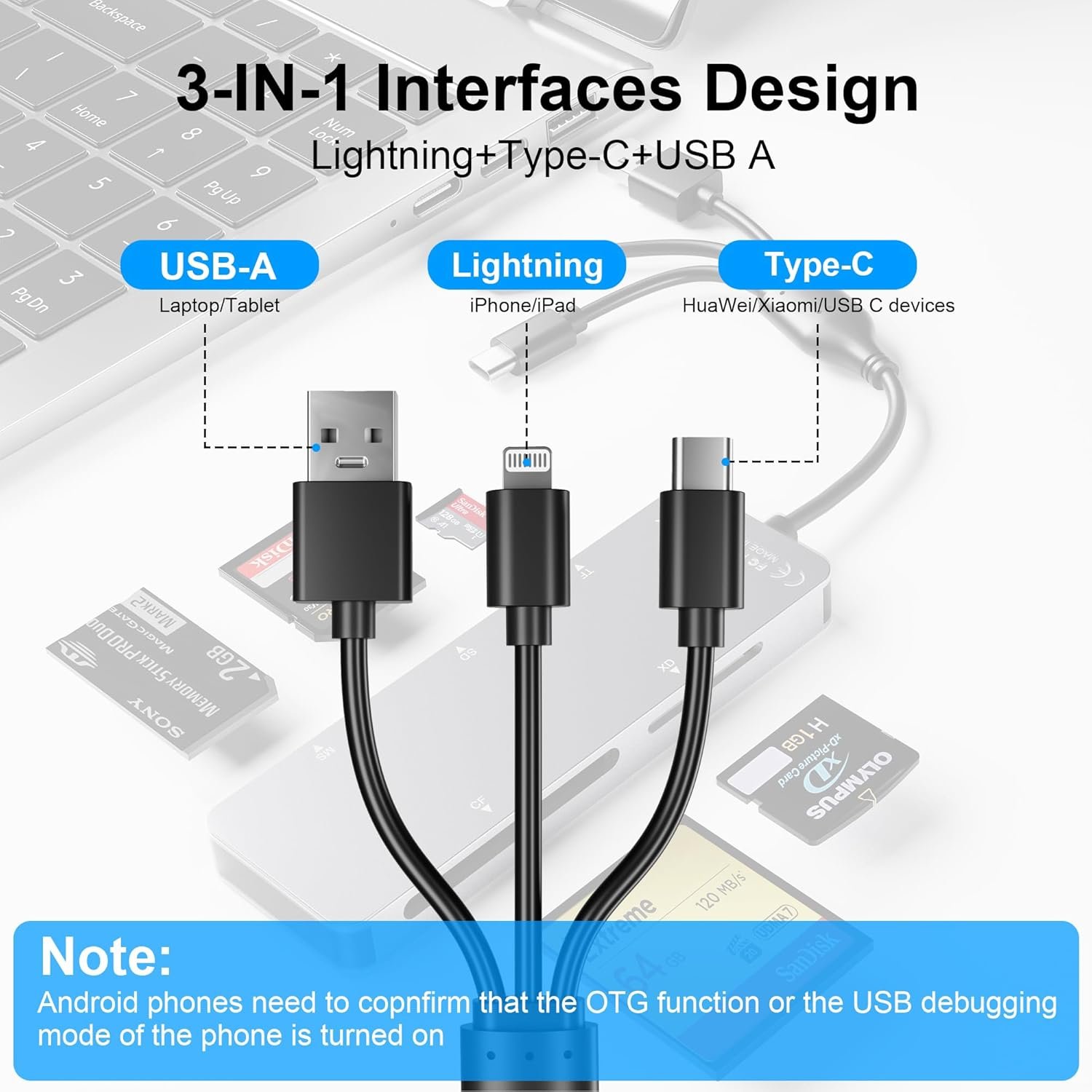
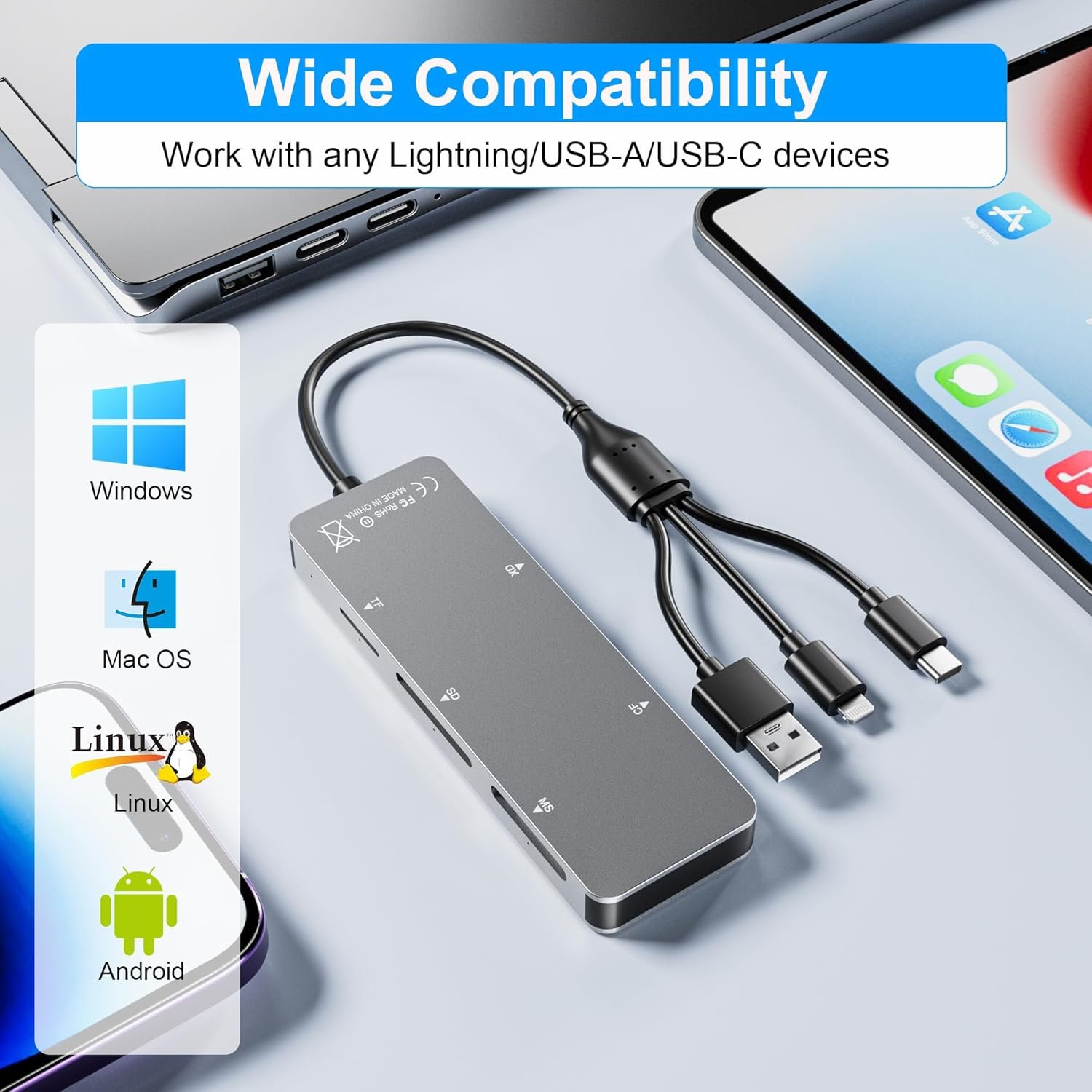
Porte Lightning+USB C+USB A 3 in 1 Design della porta
La porta USB C supporta iPhone 15, Samsung Galaxy, Huawei, tablet, laptop, Macbook e così via.La porta Lightning supporta iPhone 14/14 Plus/13/13 Pro/13 Pro Max/13mini/12/12 Mini/11 Pro/11 Pro Max/ XS Max/ XS e così via.La porta USB A supporta PC e così via.

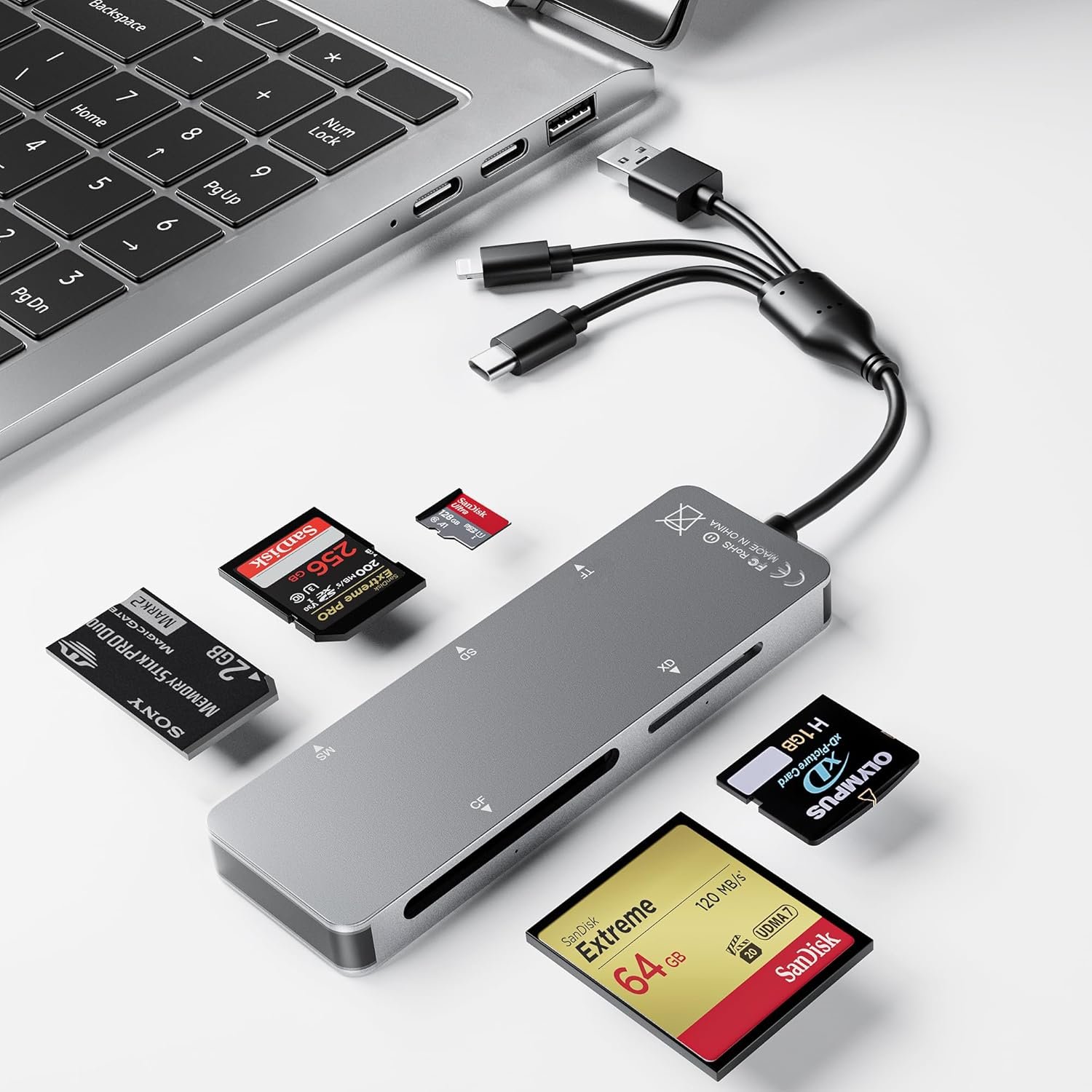
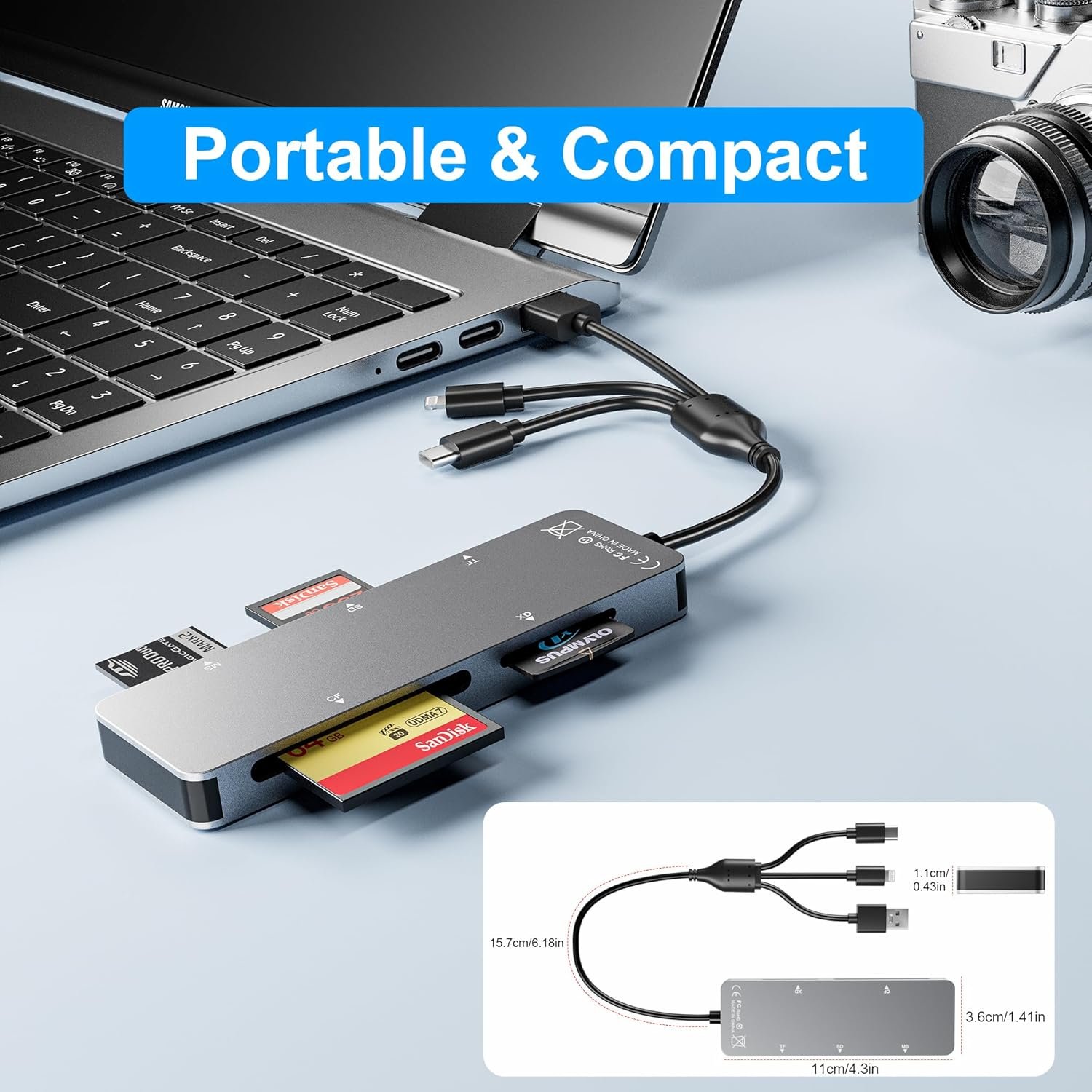
6 in 1 lettore di schede in alluminio per schede di memoria della fotocamera
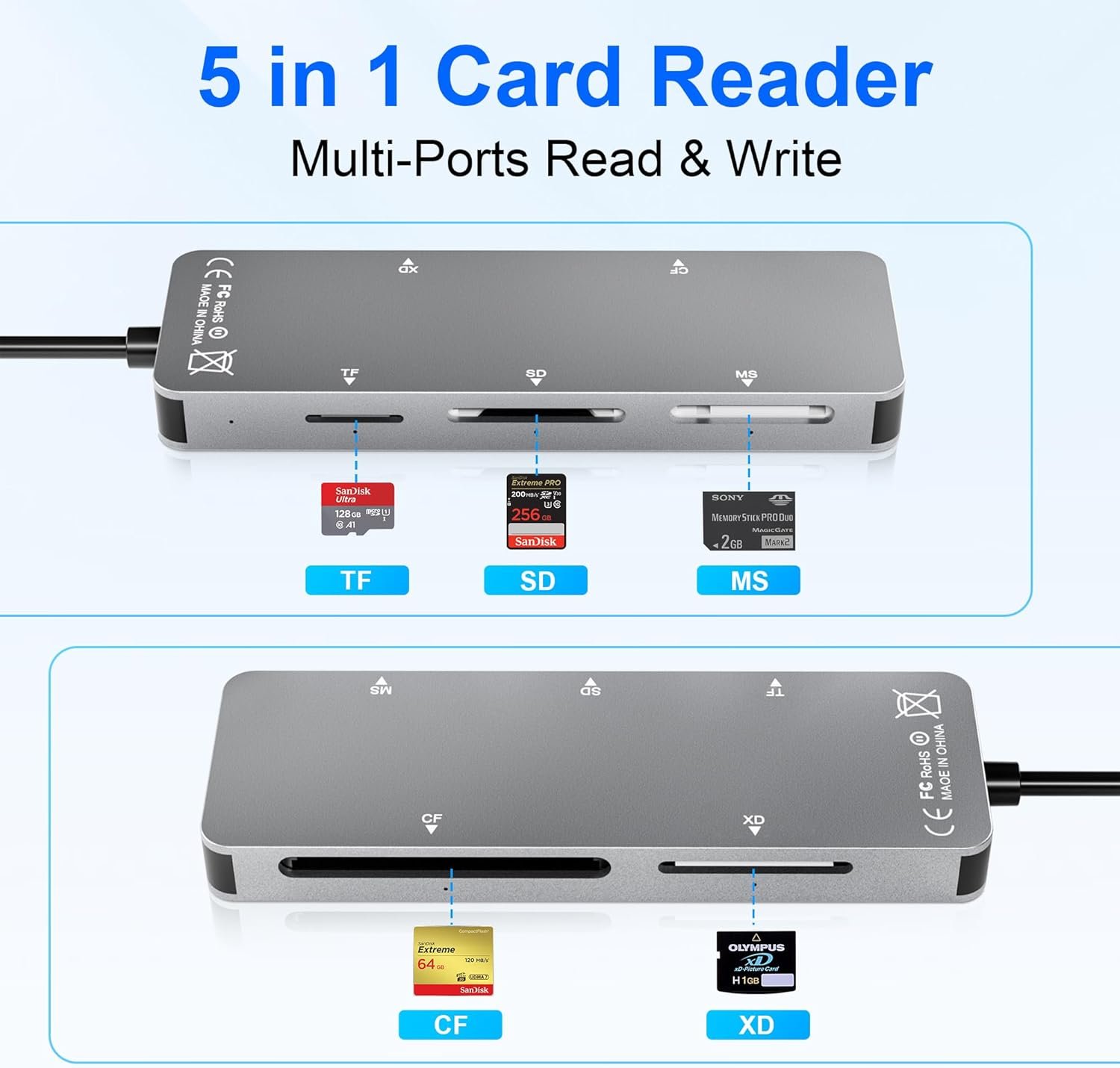
Compatibilità degli slot per schedeScheda XD
Supporta l’intera serie di schede fotografiche XD
Supporta le schede fotografiche XD Olympus e fujifilm da 1 GB e 2 GB
Slot per scheda MS
Scheda MS
Slot per scheda SD
SDXC/SDHC/SD/RS-MMC/MMC-MICRO
Slot per scheda micro SD (TF)
Micro SD/Micro SDXC/Micro SDHC/TF
Scheda CF Solt
CF I 3.0/4.0 /Extreme I III CF/Ultra II CF/HS CF/XS-XS CF/CF Elite Pro/ CF Pro/CF Pro II.

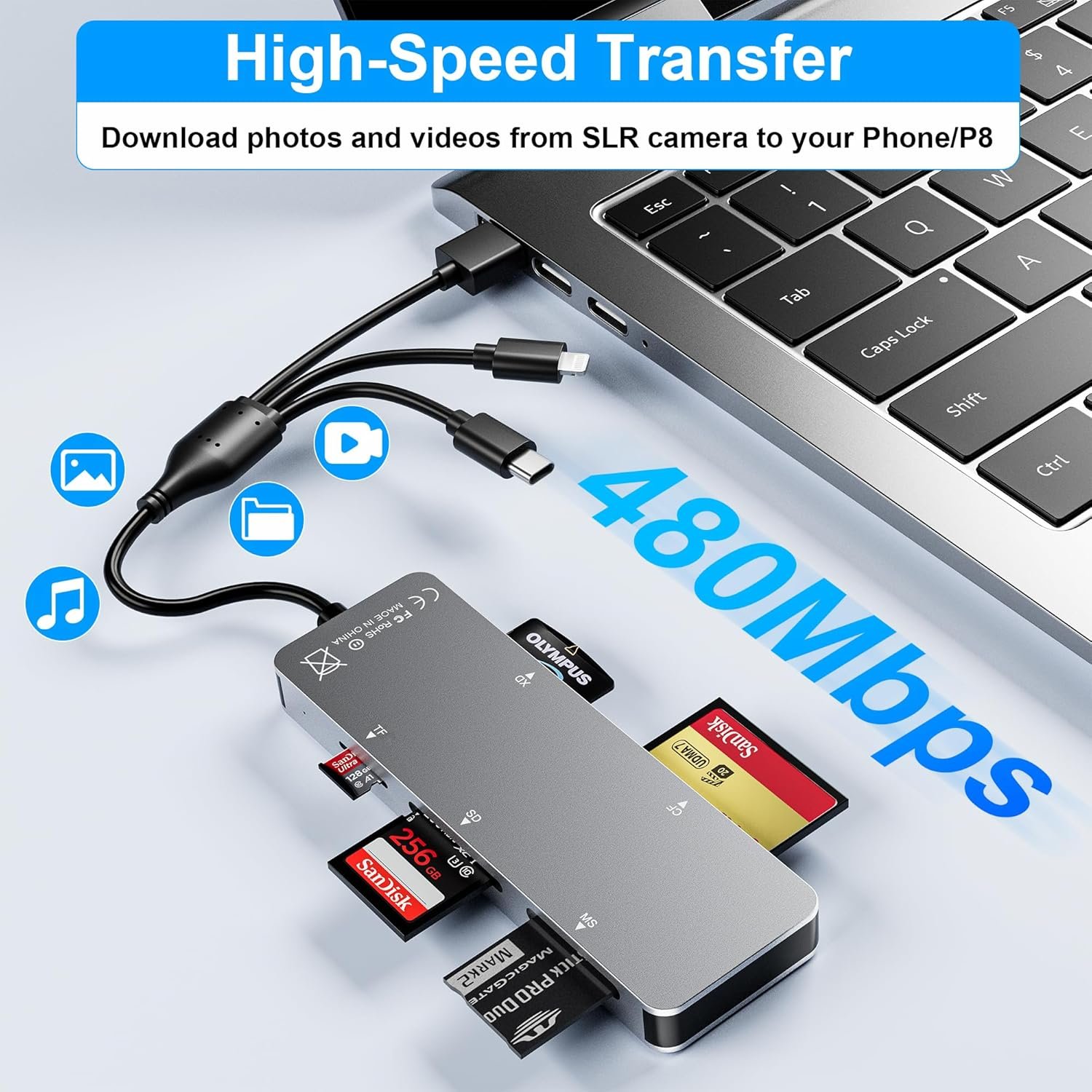
Trasferimento superveloce a 480 Mbps
Grazie al trasferimento dati a 480 Mbps, è possibile trasferire rapidamente le immagini e i video dalla scheda all’i- Phone /Pad/ Android / computer, risparmiando molto tempo e migliorando l’efficienza del lavoro.

OS Come memorizzare dal telefono alla scheda di memoria?
1.Inserire la scheda di memoria nel lettore di schede
2.Poi inserire il lettore di schede nell’iPhone e trovare l’applicazione “foto”.
3.Selezionare l’immagine o il video che si desidera salvare sulla scheda di memoria
4.Cliccare su “Salva su file”
5.Trovare il file del lettore di schede e selezionare Salva file per completare l’operazione (generalmente i dati della scheda di memoria sono in “Untiled” o “NONAME”, che è il nome della scheda di memoria).
OS Come memorizzare dalla scheda di memoria al telefono?
1.Inserire la scheda di memoria nel lettore di schede
2.Poi inserire il lettore di schede nell’iPhone
3. Trovare l’applicazione “file”, fare clic su “Senza titolo”.
4. Selezionare la foto o il video che si desidera importare nell’iPhone.
5.Selezionare “Salva elementi” per completare l’operazione


Plug and Play: Memory Stick Pro Duo card reader comes with various interfaces, no WIFI, network or driver required, it is super easy to connect to USB / USB C (Type C) / i – OS Connector / SD card slot / Micro SD card slot and Phone charging port for phone/pad, easily transfer photos, videos and files.
Read and Write on 5 Cards: The memory stick reader is designed for TF /SD /MS/XD /CF cards. The Sony memory stick pro duo reader reads and writes five cards simultaneously, the hot-swap function avoids the trouble of plugging and unplugging cards, and improves work efficiency.
Multiple Card Support: This iphone memory card reader is equipped with TF /SD /MS/XD /CF card slot. Support SDXC, SDHC, SD, CF, MS, Micro SDXC, Micro SDHC, Micro SD, UHS-I card, etc.
Transfer Speed: High-speed two-way transfer from SD card reader saves much waiting time and easily manage data between i- Phone /Pad / Android / computer and other devices.
Durable and reliable: iphone memory stick pro duo adapter is made of aluminum material, anti-oxidation, high temperature resistance, to expand the life of this card reader.
Related Products


€21.99